Showing posts with label pinterest. Show all posts

Art I Like - Emily Jeffords

Emily Jeffers Oil Painting Landscape "Sunshine Valley No. 2"
Emily Jeffords Sunshine Meadow #2
Technically, I am not allowed to be looking at art.  My mom made me swear I wouldn't after we spent the better part of a week wrapping up all my frames, prints, paintings, etc. for the Big Move.  But this is purely for blogging purposes, 'K Mom? And maybe a little inspiration...

Just look at that happy sunny landscape above by Emily Jeffords.  It makes me so happy! She does it using so few brushstrokes, it amazes me as well.  I love the soft airy way Emily's landscapes feel, and the bright colour palette she uses in her works.

Emily_Jeffers_Oil_Painting_Landscape_Mid_Summertime
Emily Jeffords Mid-Summertime
Emily_Jeffers_Oil_Painting_Landscape_Rise & Shine
Emily Jeffords Rise & Shine
I have always had a fascination with clouds and must have a few hundred in my iPhoto albums from various trips and sunsets.  Emily's landscapes almost always have a really low horizon line and lots and lots of sky.  I think that is part of what attracts me to her work.

Emily_Jeffers_Oil_Painting_Landscape_After_the_Dew_#3
Emily Jeffords After the Dew #3
Emily Jeffords (Commission Painting)
If you feel like her works might be familiar, it is probably because of the enormous amount of press she has received lately.  She is currently working with Minted, West Elm, Etsy, Shoppe, and Great.ly and has been featured in Domino Magazine, on Design*Sponge, Babble, Decor8 Blog, Huffington Post and many more.  Based out of South Carolina, Emily has two young daughters that spend a lot of time painting in the studio with her (which makes for some super-cute photos).

Photo by Paige French, who needs a whole other blog post!
I have been dabbling a bit in painting lately, and this past weekend I had a chance to go up to a camp near Edmonton and spend all day just playing with paint.  It was marvelous.  While I tried to do some paintings based off of photographs, and a pure abstract, most of the time I tried to copy Emily's Paintings in an effort to understand her style a bit more.  It is definitely easier said than done.

Learning copy (reproduction) of an Emily Jeffers painting
My copy, based on Emily's Driving to Greenville
Learning copy (reproduction) of an Emily Jeffers painting
My attempt at Emily's Sundown
This one was more of an attempt at copying Michelle Armas, but is nowhere near!

I have a whole Pinterest board dedicated to painting subjects and style that I would like to try here, if you want to take a peak.

You may wonder why I don't just paint my own thing, why I am trying to reproduce someone else's style - which is a fair question!  I feel that by trying to recreate an artist's work, I can get an idea of how it was made, how it was built from the darks to the lights, what values are where and how it all comes together.  I only wish I had a photo of the original landscape to see how they read it into the painting!  I love watching YouTube videos posted by artists that show them doing a painting in real time, or sped up, so you can see how it actually works.

As I was saying to my husband, who was seeing dollar signs floating in the air when I came home with these paintings, there is no way I would ever try to pass these off as 'mine'.  Some super-nice Facebook friends who were very supportive when I posted the fruits of my weekend away may get an early Christmas gift... as long as they don't claim it as an Emily Jeffers OR Lisa Mackay original!  It's all in the spirit of learning, and I am very inspired by Emily's paintings.  After enjoying myself so much this weekend, I have signed up for a painting course starting in January, so hopefully I will be moving on to my own originals soon enough!

Competitive Home Decor

Beautiful Inspiration from Wicked and Weird for clean fresh bright bathroom
Click to see source on Pinterest

It finally is starting to feel like fall around here, which is great.  Not great because I love fall, (November is the most miserable month of the year, in my opinion), but because with the lovely warm September and October, I found myself outside watching the kids in the playground, going for bike rides and walks, and generally soaking up every last morsel of sun and warmth like someone scarfs down caramel cheesecake knowing she is starting a diet the next day.

beautiful living room inspiration from Wicked and Weird for rich saturated colour
Click to see source on Pinterest
The cool rainy weekend spent inside revved up my nesting instincts again, but more importantly forced me to acknowledge the house reno/flip next door that has been going on all summer is coming to a close, and that said house is starting to put our house to shame. As they paint the trim and stucco the foundation, I suddenly notice all our cracked paint and crumbling mortar.  As they spray the ceiling of the front porch a nice clean grey, I see that ours is yellowed and peeling.  As they landscape the back yard, I realize that I haven't weeded in months and my outdoor rug looks like the bottom of a shoe.  By the time they list the house it will no doubt be clear to me that have no choice but to undertake a COMPLETE OVERHAUL OF OUR HOUSE.

... funny, the hubster is on the other side of town, but I could swear I just heard him groaning...?

Anyway, hopefully this new-found competition/inspiration will result is some fun blogging.  In the meantime I leave you with some of my more recent Pinterest pins, because a blog post with no images is a sad blog post indeed, and I ain't showing you my house beside their house.

beautiful dark kitchen window with brass hardware from Wicked and Weird
Click to see source on Pinterest
Emily Henderson living room inspiration from Wicked and Weird
Click to see source on Pinterest
Emily Henderson bedroom inspiration found on Wicked and Weird
Click to see source on Pinterest

Foxy Stuff

1  |  2  |  3  |  4  |  5  |  6 |  7  |  8  |  9  |  10  |  11
My Pinterest feed is overflowing with foxes!  They are the latest woodland animal to capture everyone's imagination, and will look great beside all the owl stuff you bought over the last couple of years...and the bird things before that.  Any bets on the next trendy animal?  I want hedgehog, but I don't think it is hipster enough - too obviously cute.  Wolf is too close to fox, maybe opossum? :)  Woodpecker?  Honey Badger? :p

That fancy telephone

Remember the fancy telephone I noticed on craigslist the other day (for $25)?  I had to laugh out loud when I saw this on Pinterest tonight - it's from a Design*Sponge house tour:
Ah the magic of lighting and editing.  And now I need the phone.

How to Add Social Media Icons to your Blog


As I mentioned in the previous post, I was inspired and energized by the most recent Blog Podium.  I am not quite ready to rush out and book advertisers, but I am making some changes with that possibility in mind.  One of the points made at Saturday's session that stuck with me was the importance of having a professional-looking blog.  I have started compiling a list of blogs that I feel strike the right balance between personality and professionalism for inspiration.  For me, this means above all clean, un-cluttered, organized, and easy to navigate.

Another important piece of advice was to stay well-connected to the community you are in and be able to demonstrate that you have your own little niche of expertise.  Blogger makes it easy to link up to your other social networking profiles with widgets and gadgets in your blog's sidebar, and I already had many of them in place.  However, I love the look of a simple self-explanatory row of icons, so over the past couple of days I added this at the top of my sidebar:
It connects readers directly to a whole bunch of my other profiles but uses a minimum of real estate.  Win-win!  It was easy enough to do, but I ran into a few snags, so I thought I would outline the process here in case anyone else wanted to do this as well.  (There are many other tutorials out there if mine is confusing!)

1.  Find your favourite icons, or make some yourself in Photoshop and save as a .png file.  I got mine from the lovely Carrie Loves blog, where she has a ton of colours.  Isa Maria of The Academy also did a lovely series based on the Pantone colours of the year.  For MANY more options, you can google "Social Media Icons."  Once you find the ones you want, save them to your computer.
2.  Upload your png files to Flickr or Photobucket.  I didn't want these to show up in my Flickr stream, so I signed up for Photobucket and highly recommend it!  To get the URL for each image, which you will need later, you just need to hover over the image and then click on "Direct Link" which makes it super easy.  I will definitely be using Photobucket again!
I ended up uploading my icons three times, because the size I downloaded from Carrie was much too big and it took me a couple of resizes in Photoshop to get the size I liked!  You may want to start with one to see how big it is and then adjust them.  In the end mine were 28 pixels x 28 pixels.

3.  Add HTML gadget to your layout.  To do this, look up to the right hand corner on your Blogger dashboard and go to Design, and on the screen below click Layout, then Add a Gadget.

Scroll down the provided list until you find the HTML/JavaScript widget.
4.  Once you have the gadget open you can add the following code for each icon:
[a href="YOURSITEURL" target="_blank"][img src="YOURIMAGEURL"][/a]
If you copy and paste the above code, you will have to change the brackets:
replace [ with < and ] with >
(I couldn't figure out how to type code into my post without it turning into a broken link!)

(It would probably be helpful to actually write all the code in Text Edit and copy it into the content section of the HTML gadget instead of flipping back and forth to the different sites and the gadget window like I did!)
Now when I did this, everything looked fine in the code, but when I tried to click the link it added www.wickedandweird.com to the beginning of the address and wouldn't work.  I could not figure out why it was doing this. Drove. Me. Batty. After much searching online, I discovered that it was because the quotation marks I had copied in the code were curly quotes and not straight quotes. Go figure.  So make sure you have straight quotes in your code!

5. Repeat the above code for each site and each matching image until you have them all.

6. Remove all the other social-media-linking gadgets you had cluttering up your sidebar and admire your new streamlined blog.

7. Pour yourself a drink.

I hope that makes sense - leave me a comment if I have left something unclear!

FYI - the target="_blank" part means the link opens in a new window or tab.  I was going to go back and add this to all my links, since the all seem to drive traffic away from Wicked & Weird - and I have a lot of links!  Then I noticed in writing this post that there is a little box you can check when adding a link that says "open in a new window"...  duhhhhhhhhhh!!! Better late than never I guess. :)

Drooooozy on etsy

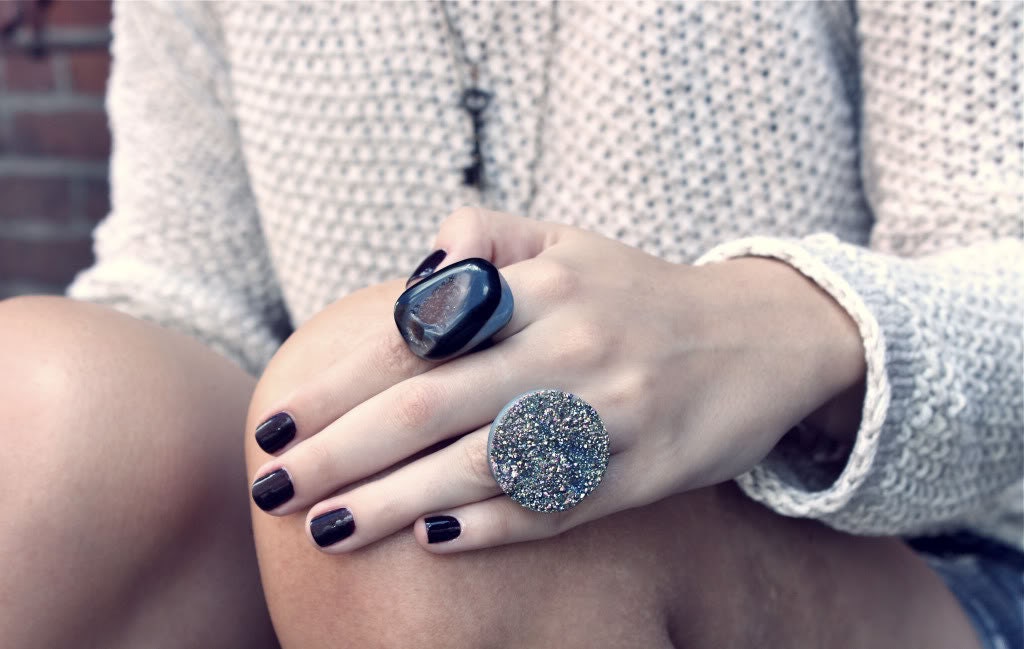
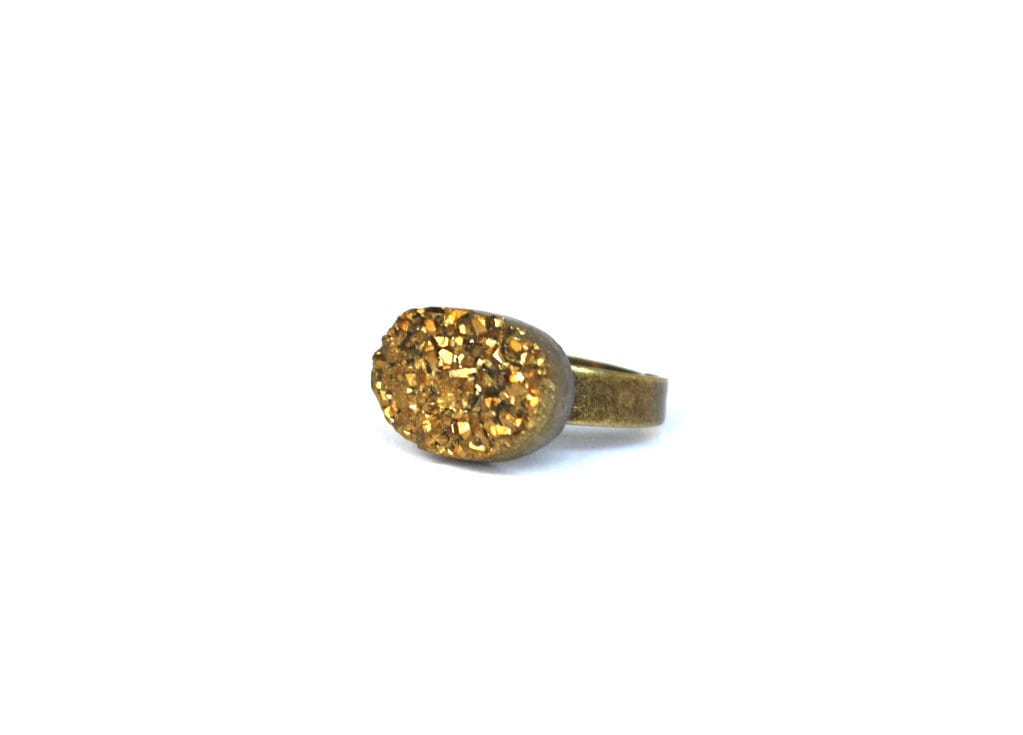
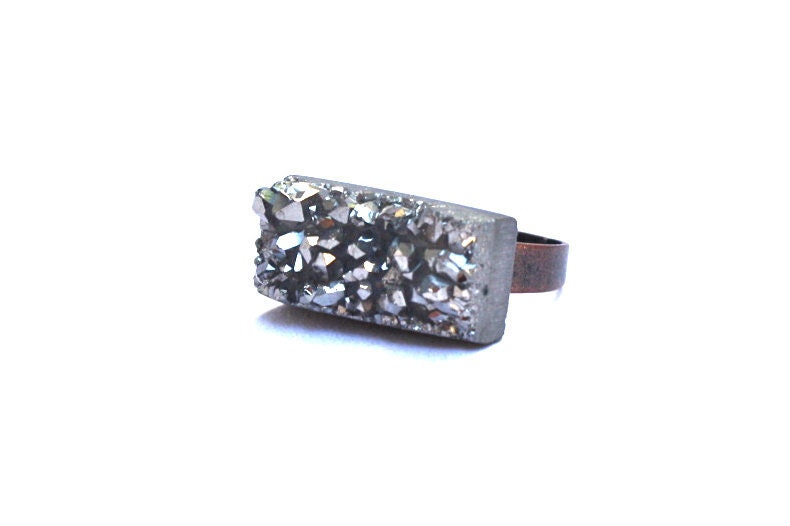
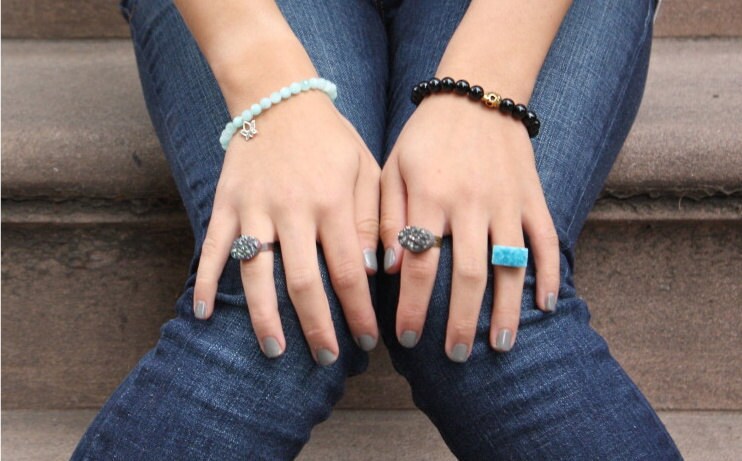
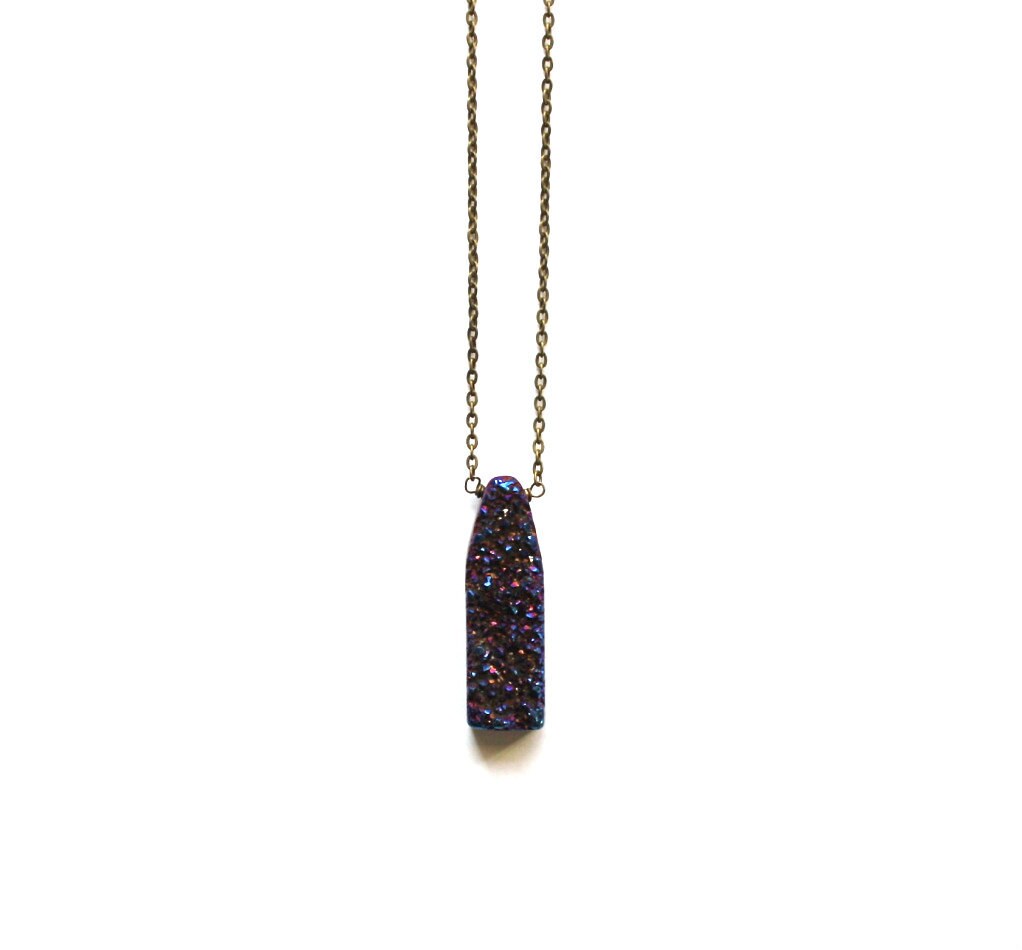
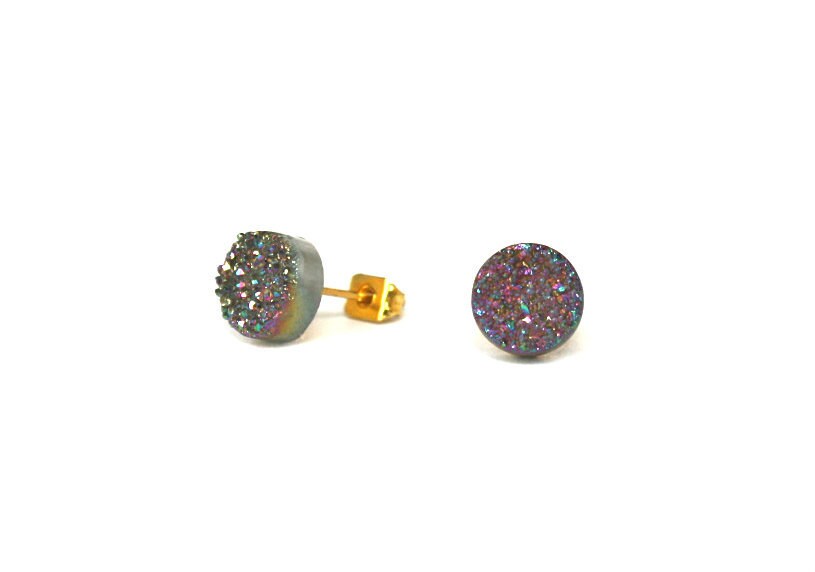
Oh Pinterest, you evil, horrible, terrible, amazing, fantastic site!  You make entire hours disappear with a single image, lost forever into the black vortex of the internet.  The other night it was a ring.  One simple, pretty sparkly ring.  And the next thing I knew, it was midnight and my leg was asleep and my husband was saying "aren't you EVER going to turn that off?"  The good news is that I discovered the etsy shop Brooklyn Thread, and druzy: a coating of fine crystals on a rock fragment.  I want them all, but mostly those studs.  And this ring below.  And the necklace...

Brooklyn Thread has lots of other awesome jewellery in their shop, but at the moment I have eyes only for druzy.   Drooooooooozy.

Julian Bialowas 365q

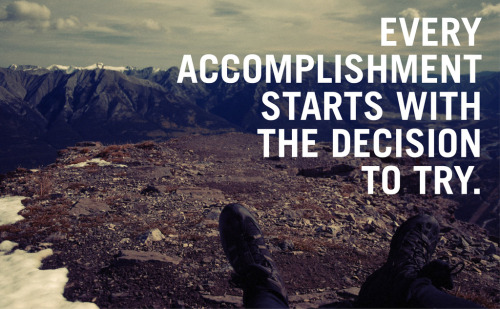
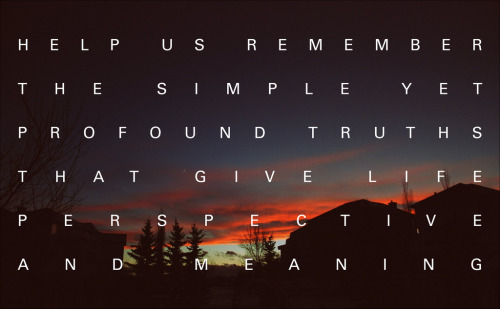
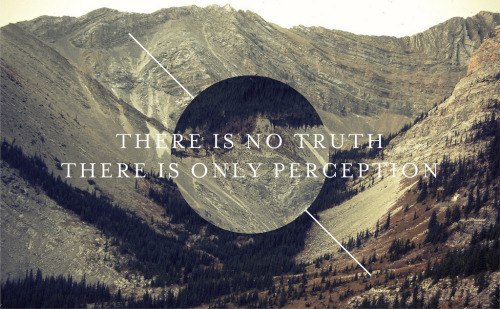
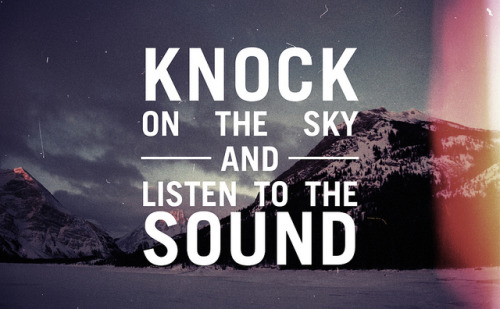
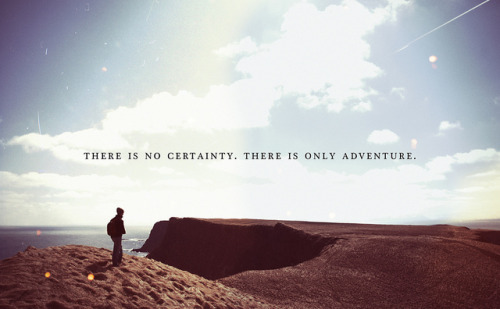
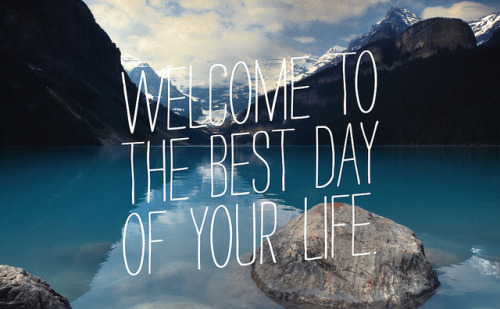
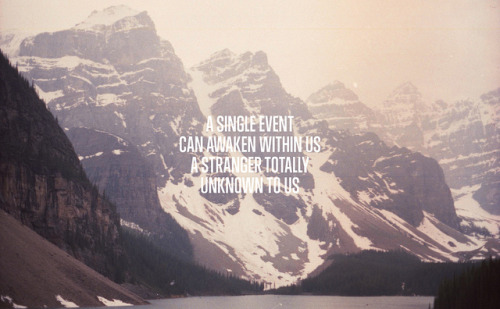
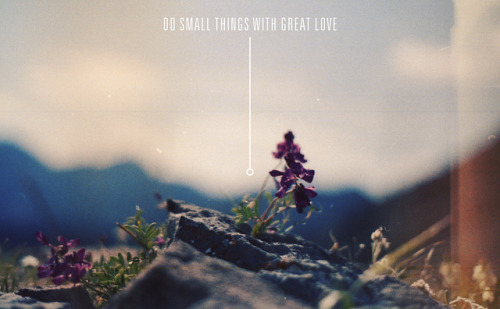
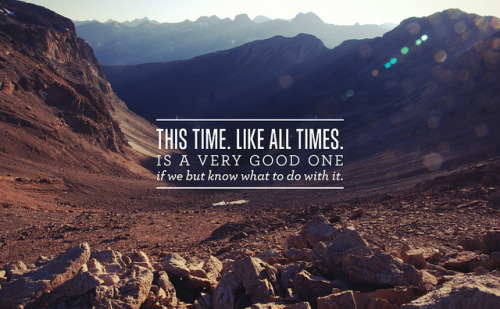
I re-pinned this on Pinterest the other day and the words have snagged in my mind like a burr.  I thought of it the other night when I ran 8K and remembered when I could barely run for 3 minutes at a stretch.  I thought of it as I went to my photoshop course and wondered what my next career steps were going to be.   I thought of it as I watched Will run up the steps - not awkwardly, not with the railing, not carefully placing two feet on each step, but just running.

I have since discovered that this image was created by the talented Julian Bialowas of Calgary.  A self-taught photographer and graphic designer, he started his own 365 photography project.  The difference from most other such endeavours is that he doesn't take a daily photo, but instead combines one of his own images with some powerful words to create an inspiring artwork every day.  I love that the images are mainly of the Rockies - they seem to give the words more weight.  As I look through them, I can't tell if I am drawn to the words, the image, or the combination of the two.  You can find them all on his tumblr page, or his flickr, but here are a few that I loved:

You can now purchase any of his amazing pieces for a whopping $3 (a digital image will be emailed to you to do with as you wish) here.  They sure make me want to get out to the mountains, I can only imagine what they will do to my poor (Alberta-bred/mountain-obsessed) husband...
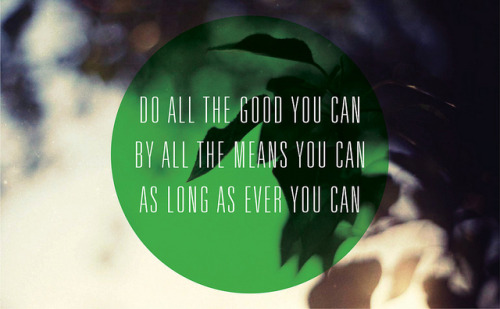

Via Dismount Creative.

Patterson Palette


Ahhh back from a long weekend at my folk's cottage at New River Beach - no TV or internet, and it feels like I have been away for weeks (in a good way).  I did get to do a little photoshop fun, and being inspired by the Freeman Patterson photos I posted earlier and the gorgeous Bay of Fundy, I put together these photos from Pinterest in a weathered, ocean-coloured palette.